Network testing tools
Cable Management Hardware
J-Hooks
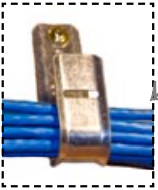
J-hooks are used to hang cable from. These are usually attached to floor joists or beams.
Cable protectors
Cable Protectors are used to protect cables that have to run on floors. Great caution should be used when implementing these on a floor where there is a lot of traffic. The cable protector is a trip hazard and can create barriers for wheelchairs.

Cable trays
Cable trays are used to hold large numbers of cables that have to run relatively long distances. These are mostly used in basements, attics, and other hidden spaces because they are very industrial in appearance. Although, rooms that are network or computer specific often have trays running near the ceiling. Cable trays take a good deal of planning to install them correctly and some special tools.

Cable ties
Cable ties are a great way to keep cables neat. Just remember not to over tighten them. Overtightening a wire tie on Cat 5 cable can alter its twist and create problems with the cable.

Smurf tubes
A smurf tube is generally run in new buildings inside the walls. One end attaching to a wall box, the other in some accessible but hidden place such as a basement or attic.

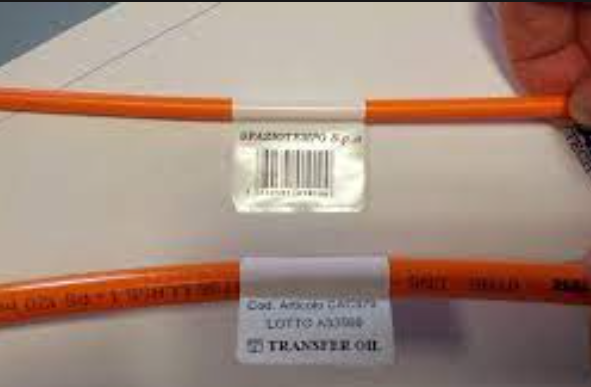
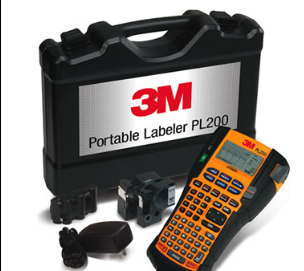
Cable labeler
Network tools
Patch Panel.
A patch panel is used to organize the cable and wire connections in your wiring closet. Cables coming from your network devices or wall jacks plug into the back of the patch panel, and these are connected to other devices using short patch cables at the front. It’s typically mounted on a network rack, a specialized frame that forms the physical skeleton of your network closet

A patch panel works like a telephone switchboard, but for cables.
If you use a patch panel, it means that it’s much easier to change the connection between two devices. All you need to do is change which socket the patch cables at the front are connected to, so the patch panel gives you an easier interface for managing connections.
Toner-Tracer
A toner-tracer set is a tool used by network professionals to detect noises from electrons.
You then use the tracer to listen for the signal by placing it on the cable.

Millimeter
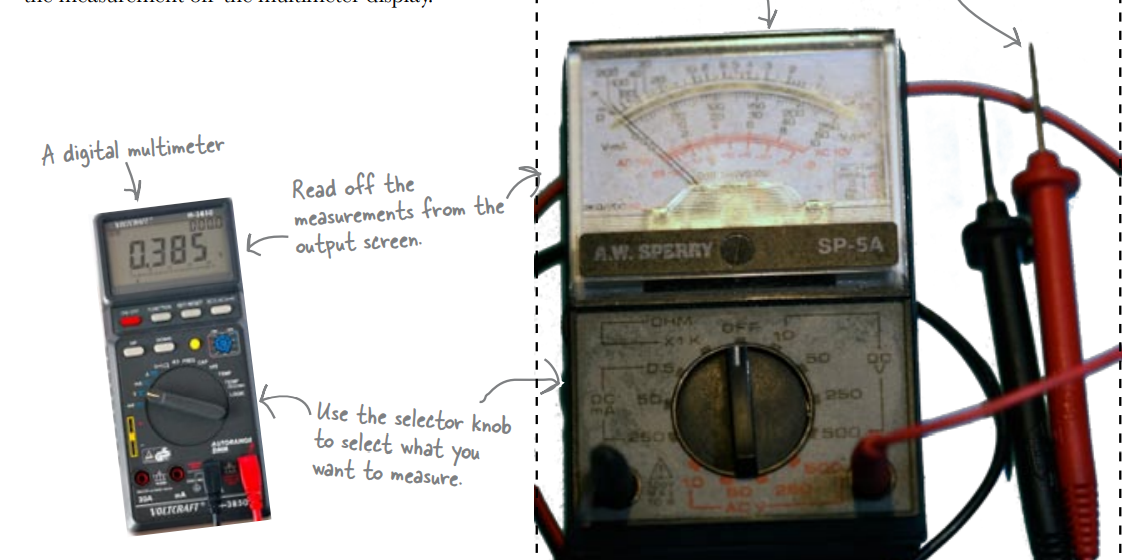
The thing that makes the multimeter really useful in networking is its ability to measure resistance along a cable.
Oscilloscope
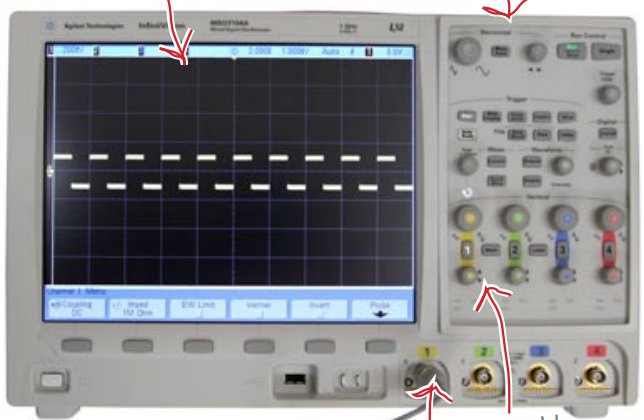
An oscilloscope is a complex piece of test equipment requiring advanced training and some knowledge of electrical principles to use properly.
Logical Analyzer
Instead of reading the actual voltage, a logical analyzer reads the signal as a series of binary numbers, or 1’s and 0’s. When the signal goes higher than a set voltage level, the logical analyzer sees it as 1, and when the signal goes lower, the logical analyzer sees it as 0.
The voltage changes in the signal represent data in the form of binary numbers, so a logical analyzer allows you to see the stream of data based on the logical voltage level. It effectively allows you to see the data in the signal.
LAN Analyzer
Some units even help you deal with wireless networks.
A LAN Analyzer has all the functions of the previous tools we looked at, but its output is geared to the network professional.
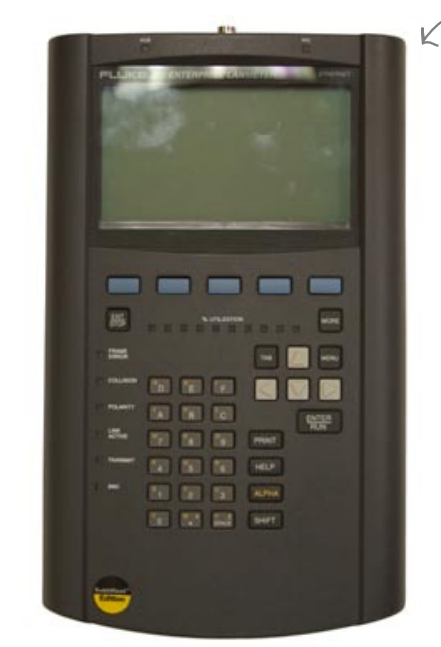
The LAN analyzer starts by reading the voltage changes over time.
The 1’s and 0’s represent structured data.
Conculsion
toner and tracer to listen to electrons, a multimeter to measure resistance, an oscilloscope to display changes in voltage over time, and a logical analyzer to interpret the signal into binary data.
A toner & tracer set can be purchased for less than $100. An oscilloscope can run from $1,000 to $20,000. A logic analyzer starts at about $3,000 and goes up, fast. A LAN analyzer is in the $1,000 to $15,000 range.